

Post-Production
Non-Destructive Image Editing with Adobe Camera Raw
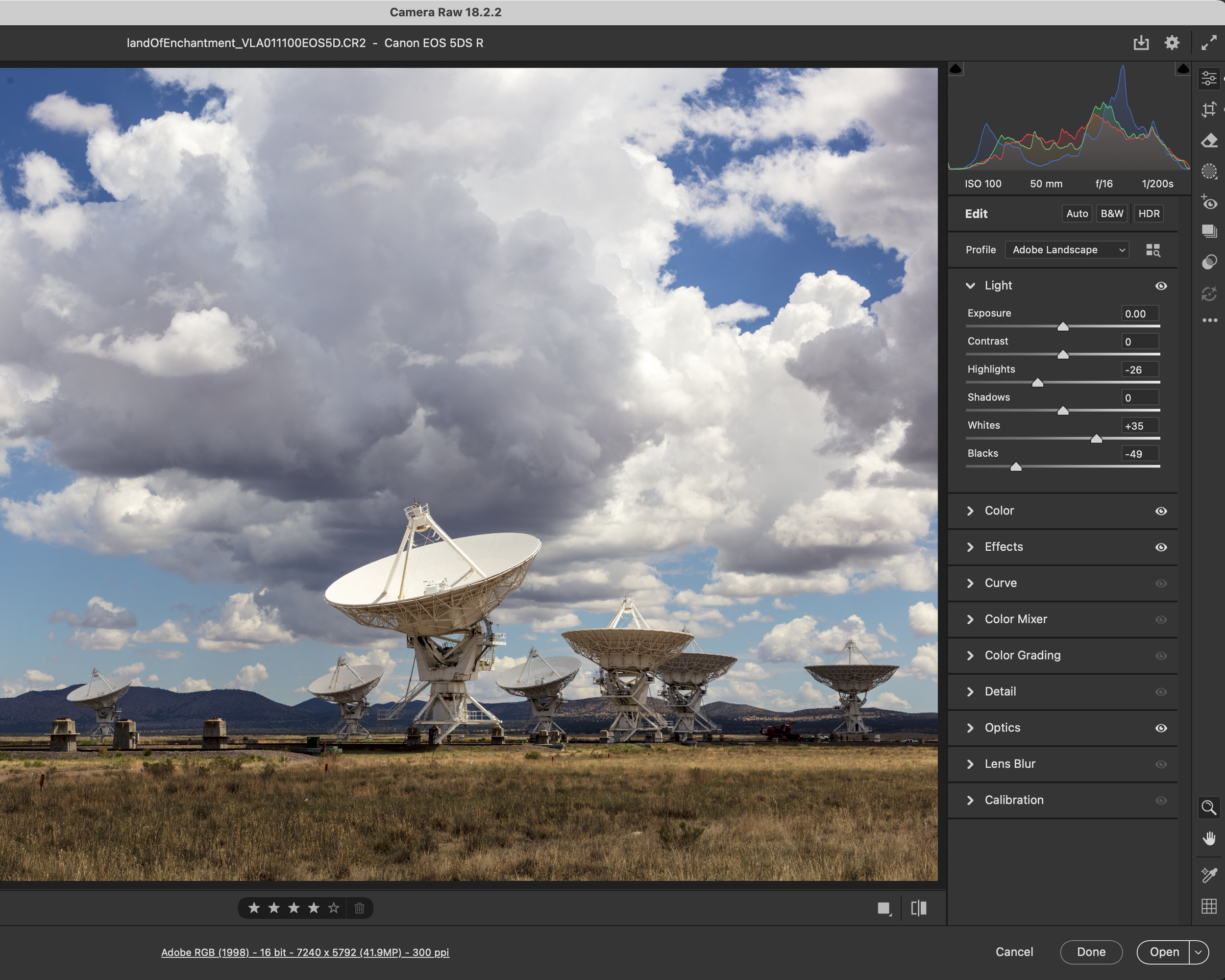
Unlock the full potential of your raw images in this in-depth course on non-destructive editing with Adobe Camera Raw. Perfect for photographers who want to streamline their post-processing workflow, this class will teach you how to enhance your photos while preserving the original data, giving you complete creative control without permanently altering your images.
Through hands-on practice, you’ll learn essential tools and techniques, including exposure and color adjustments, retouching, noise reduction, sharpening, and lens corrections—all within the intuitive Adobe Camera Raw interface.
By learning while doing, you'll achieve a workflow that allows you to make adjustments with full adaptability, ensuring you can revisit and refine your edits at any time. At the end of the course, you’ll be able to use Adobe Camera Raw to create polished, high-quality images while maintaining full flexibility for future edits.
Format: 4 sessions, 150 minutes each, spread over four weeks.
*This class requires an Adobe basic photography subscription*
$515 [Book Class Now]
Private Printing Workshop - The Basic Digital Print

This personalized, one-on-one session is designed for photographers who want to transform their digital images into beautiful, high-quality prints. You’ll work one-on-one with Bryan to learn the essential steps and techniques for digital photo printing—preparing your images for print, selecting the right paper types, understanding color profiles, and adjusting print settings for vibrant, accurate results.
Whether you’re creating gallery-ready prints, preserving memories, or adding polished pieces to your portfolio, this session will give you the skills and confidence to bring your images to life.
By the end of the workshop, you’ll have a 16x20 inch fine art print to take home, along with the knowledge to continue making professional-grade prints on your own. Suitable for photographers at any level, this workshop will empower you to make the most of your digital work in the physical world.
Format: One-on-One, 3 Hour Session
*This class requires an Adobe basic photography subscription*
$450 [Book Workshop Now]